Manage all you sports payments in one app
Teampay’s app makes sports payments a breeze! Manage fees, uniforms, and events all in one place, so you can focus on the game, not payments.





How our app benefits different users

Focus on the Game, Not the Admin
Teampay takes the hassle out of managing payments for your team. No more chasing down payments or handling cash—Teampay makes collecting fees and keeping track of players simple and stress-free.

Save Time: Track payments in seconds.
Eliminate Hassle: No more awkward money conversations.
Stay Organised: Payments are all in one place.

Pay Once, Play Stress-Free
Teampay makes it easy to manage payments, so you can focus on the game without worrying about logistics.
Convenient Payments: Pay securely in one step.
Worry-Free Play: Focus only on the game.
Quick Setup: Add card details once.

Support Your Child, Skip the Stress
Teampay ensures your child’s fees are handled easily and on time, so you can focus on supporting them.
Peace of Mind: No missed payments.
Simplified Payments: Track payments easily.
Stress-Free Support: Focus on cheering, not fees.
App Features
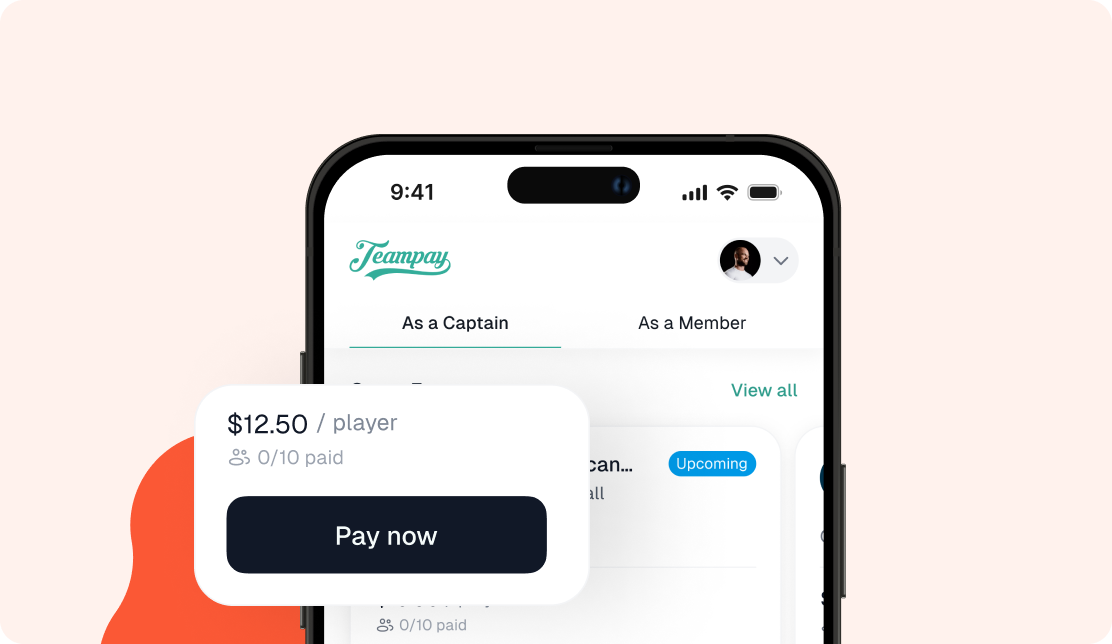
Seamless Payment Experience
Easily pay game fees online with no cash handling, one simple platform fee, and flexible game-by-game or installment payment options.
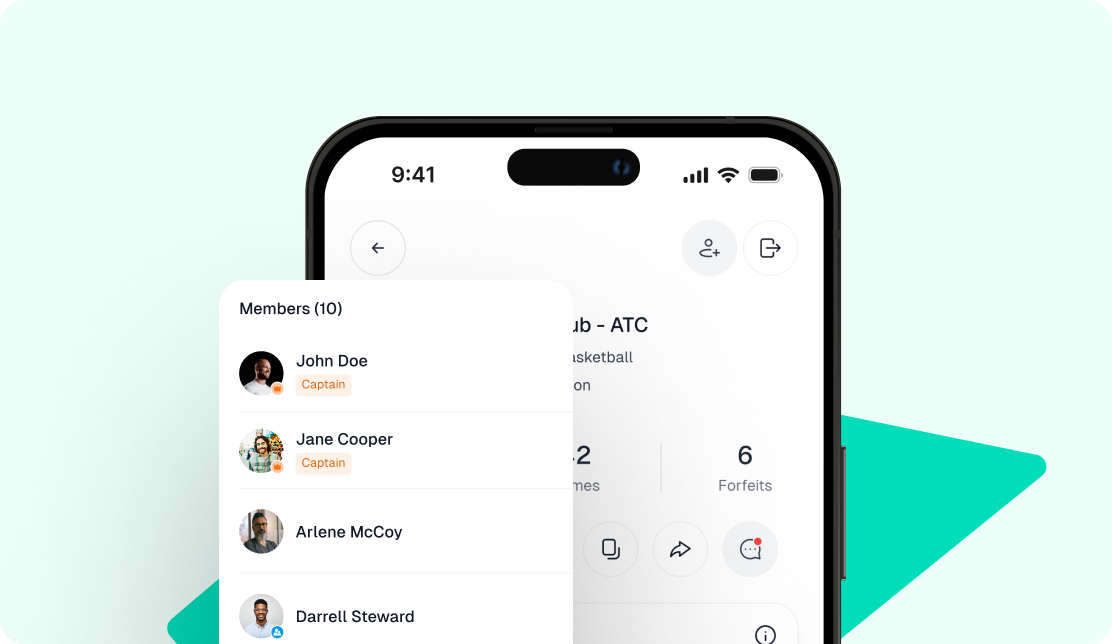
Team & Player Management
View and manage your team’s payments and player information, ensuring transparency and convenience throughout the season.
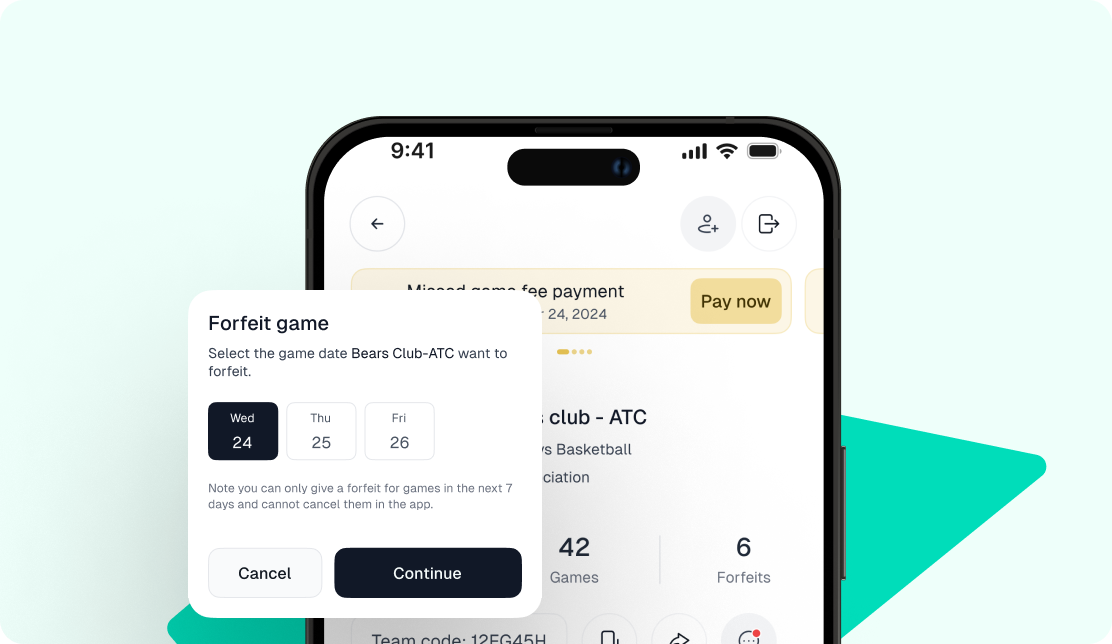
Forfeit Management
Receive instant notifications for forfeits and handle any forfeit fees automatically through the app, simplifying game-day management.

Security & Reporting
All payments are securely processed, with access to full payment history for complete transparency and financial peace of mind.
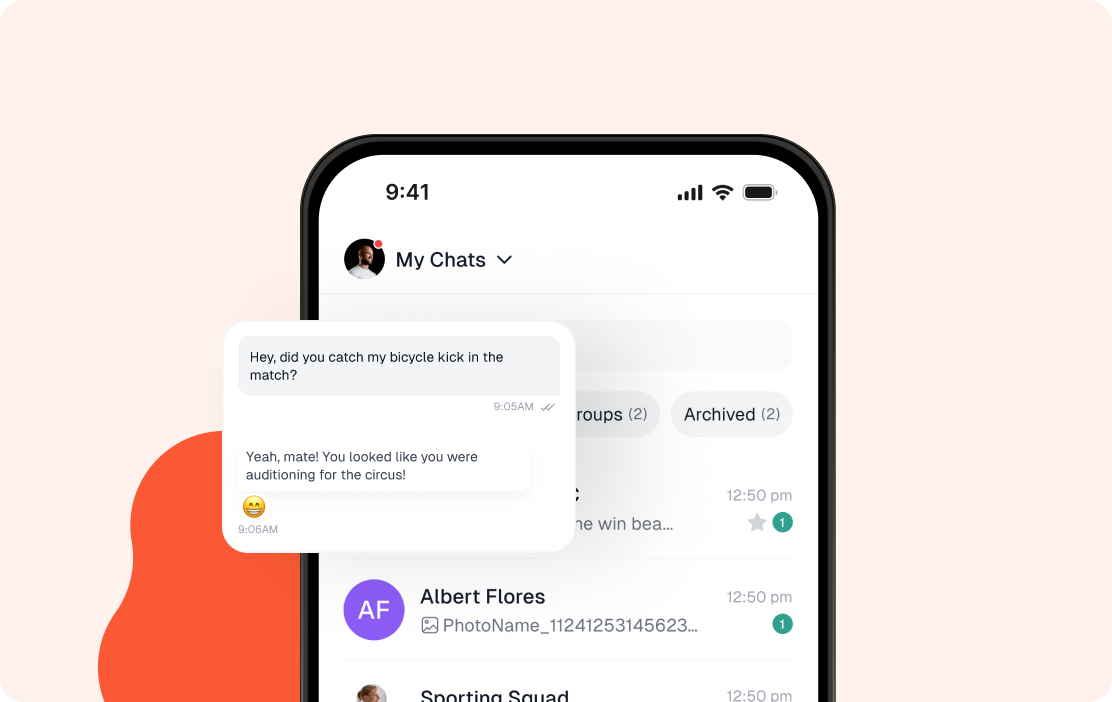
Communications
Stay informed with automated payment reminders, upcoming game alerts, and team chat (coming soon) to coordinate effortlessly with your team.
Success stories
Teampay is simplifying sports payment and enhancing the game day experience.

Teampay still going strong for us this year, really working wonders for our collections this season. 5 rounds in!

Chris Llewellyn
Our teams are loving Teampay. It solves all our payment problems like collecting money and being out of pocket.

Mitch Duhig
I personally loved using Teampay this season. It was definitely a game changer for us and I am so glad we made the move. From the first email I saw and not taking it seriously to where we are now, I’m so glad I opened that email!

Lincoln Rollo
It’s been a joy working with Teampay over the past few years. They’re always ready to help, and you solve problems so quickly! I’ve never had a better experience with any other platform. Thanks to them, running our social competitions has become much easier, and their platform has played a huge role in lightening our workload.

Katherine Walton
Moving away from cash was a big priority for us. We are always looking to innovate.

Joel McInnes


FAQ